
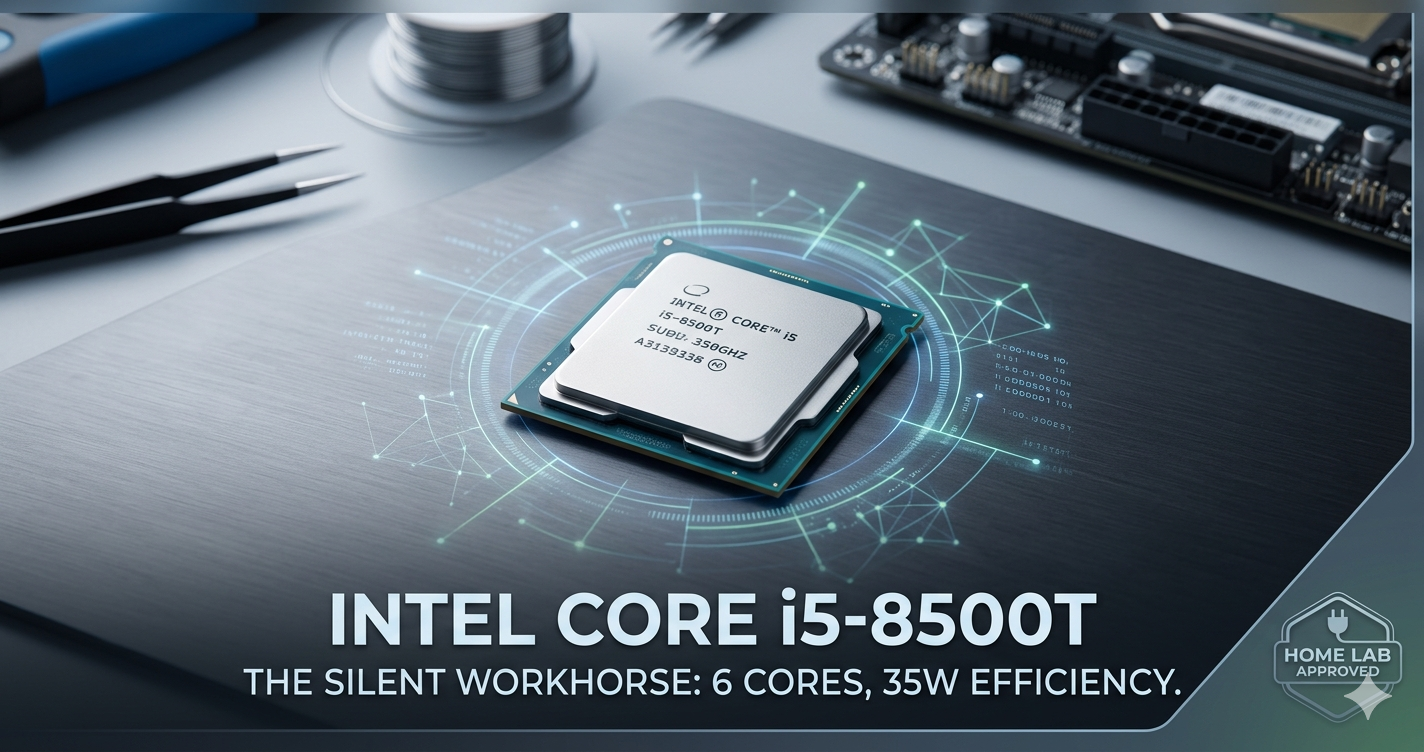
I remember the first time I pulled a batch of “retired” office tiny PCs out of a recycler’s bin. They were dusty, nondescript little black boxes that looked like they belonged in a 2018 accounting firm. But inside those chassis beat the heart of what I consider to be one of the best-kept secrets in the hardware world: the i5-8500T.
In an era where we are bombarded with marketing for 24-core monsters that require a small nuclear power plant to run, the i5-8500T is a breath of fresh air. It’s the processor that taught me you don’t need to spend $2,000 to run a world-class home server, a smooth Plex media center, or a snappy office workstation. Today, I’m going to peel back the curtain on why this specific 8th-Gen “T-series” chip is still a gold standard for enthusiasts and professionals alike.
What Exactly is the i5-8500T? (The “Secret Sauce” Explained)
If you aren’t a total hardware nerd, Intel’s naming conventions probably look like alphabet soup. Let’s break it down. The i5-8500T is an 8th-Generation, 6-core processor designed with a specific focus on power efficiency.
The “T” at the end is the most important part. In Intel-speak, “T” stands for Power-Optimized Lifestyle. While a standard i5-8500 might draw 65 watts of power, the i5-8500T is capped at a 35W TDP (Thermal Design Power).
The Six-Core Revolution
Before the 8th generation (Coffee Lake), an i5 usually only had 4 cores. The 8500T was part of the big shift where Intel finally added more physical cores to the mid-range. Having six physical cores—even at a lower power draw—is a massive “sweet spot” for multitasking.
Think of it like a professional kitchen. A 4-core CPU is like having four very fast chefs. The i5-8500T is like having six slightly calmer chefs. While the four fast chefs might finish a single dish quicker, the six chefs can handle a larger rush of orders without getting overwhelmed.
Where Does it Live?
You won’t usually find this chip sitting on a shelf in a flashy box at Best Buy. It was primarily sold to “OEMs”—companies like Dell, HP, and Lenovo. They tucked these chips into “1-liter” tiny PCs (like the OptiPlex Micro or ProDesk Mini). Because thousands of these are now being retired from corporate offices, they are flooding the used market at unbelievable prices.
Real-World Benefits and Use Cases
Why should you care about a 35W chip from a few years ago? Because in the real world, “peak performance” is often less important than “consistent efficiency.” Here is where I’ve personally found the i5-8500T shines.
1. The Ultimate Home Media Server (Plex/Jellyfin)
If you’re building a media server, the i5-8500T is a “cheat code.” Why? Because of Intel QuickSync. This chip features UHD Graphics 630, which has dedicated hardware for encoding and decoding video.
I’ve personally tested this: an i5-8500T can handle multiple 4K HDR transcodes simultaneously without breaking a sweat. It does this while drawing less power than a bright LED lightbulb. If you use a massive gaming CPU for a Plex server, you’re essentially using a Ferrari to deliver pizzas. The i5-8500T is the fuel-efficient scooter that gets the job done for pennies.
2. Proxmox and Virtualization
For the home labbers out there, the six physical cores are a dream for virtualization. You can easily run a dozen Docker containers, a Home Assistant instance, and a couple of Linux VMs on a single i5-8500T machine. Since it supports up to 64GB of DDR4 RAM, your bottleneck will almost always be memory, not the CPU.
3. The “Silent” Office PC
Because it only generates 35W of heat, the cooling fans rarely need to ramp up. I use an i5-8500T based mini-PC in my recording studio specifically because it is silent. If you’re tired of a loud, whirring tower under your desk, this is your solution.
Step-by-Step: How to Deploy an i5-8500T System Today
So, you’re sold on the efficiency. How do you actually get one of these running? You have two main paths: buying a pre-built “TinyMiniMicro” PC or building a custom low-power rig.
Step 1: Sourcing the Hardware
Don’t buy the chip alone unless you already have a compatible motherboard. The best value is buying a used Dell OptiPlex 7060 Micro, HP ProDesk 600 G4, or Lenovo ThinkCentre M720q.
- Pro Tip: Look for “Seller Refurbished” units on eBay. You can often snag a full system with an i5-8500T for $120–$150.
Step 2: Thermal Maintenance
Since these chips usually come from office environments, they might have five years of dust in them.
- Open the chassis (usually tool-less).
- Remove the small heatsink.
- Clean off the old, crusty thermal paste with 90% isopropyl alcohol.
- Apply a pea-sized amount of high-quality paste (like Noctua NT-H1).
- Blast the fan with compressed air.
Step 3: BIOS Configuration
To get the most out of the i5-8500T, enter the BIOS (usually F2 or F12) and ensure Intel VT-x and VT-d are enabled if you plan on doing any virtualization. Also, check the power settings; usually, “Balanced” is best, but you can set it to “High Performance” if you don’t mind the fan spinning a bit more.
Step 4: Operating System Choice
- For General Use: Windows 11 (Yes, the 8500T is officially supported!).
- For Servers: Ubuntu Server or Proxmox VE.
- For NAS: TrueNAS Scale (The 8500T is excellent for ZFS file management).
Comparison: i5-8500T vs. The Competition
How does it stack up against other popular “budget” choices?
| Feature | i5-8500T | i5-6500 (Older) | i3-12100 (Newer) |
| Cores/Threads | 6 / 6 | 4 / 4 | 4 / 8 |
| TDP | 35W | 65W | 60W+ |
| QuickSync Support | Excellent (UHD 630) | Good | Superior |
| Approx. Used Cost | $40 (CPU only) | $20 | $90+ |
| Windows 11 Support | Official | Not Official | Official |
The Verdict: While a newer i3-12100 is technically faster in single-core tasks, the i5-8500T wins on efficiency-per-dollar. It offers 50% more physical cores than the older i5-6500, which is a massive jump for multitasking and server workloads.
Common Mistakes & How to Fix Them
Even with a “plug-and-play” chip like this, I see people stumble. Here’s how to avoid the pitfalls:
1. Misjudging the “T” Power Limit
The Mistake: Trying to use the i5-8500T for heavy 4K video editing or high-end gaming.
The Fix: Understand that the 35W limit means the clock speeds are lower ($2.1GHz$ base). It is a “marathon runner,” not a “sprinter.” If you need raw speed for gaming, get the non-T version.
2. Single-Channel RAM Bottleneck
The Mistake: Running the i5-8500T with only one stick of RAM. The Fix: This CPU needs dual-channel memory to shine, especially for the integrated graphics and Plex transcoding. Always use two matching sticks (e.g., 2x8GB) to double your memory bandwidth. Since these mini PCs use compact laptop-style slots, you can follow this FURY RAM SODIMM laptop upgrade guide to ensure you’re installing your new modules correctly and getting the most out of your hardware.
3. Neglecting the Power Brick
The Mistake: Using a generic, low-wattage power adapter on a mini-PC.
The Fix: These machines typically need a 65W or 90W external brick. If you use a cheap 45W replacement, the CPU will “throttle” (slow down) to prevent the power supply from blowing. Always stick with original Dell/HP/Lenovo chargers.
Final Thoughts: Is the i5-8500T Right For You?
In my decade of building systems, I’ve learned that the “best” hardware isn’t the most expensive—it’s the hardware that fits the job perfectly.
The i5-8500T is a masterpiece of balance. It gives you enough cores to handle modern software, a world-class media engine for video, and a power profile that won’t make your electric bill spike. Whether you’re building your first home server or just want a snappy, silent PC for your home office, this chip is a legendary choice that punches way above its weight class.
What are you planning to build with an i5-8500T? Drop a comment below—I’d love to help you spec out your next project!
Frequently Asked Questions
1. Is the i5-8500T good for gaming?
Only for very light titles. It can handle League of Legends, CS:GO, or Minecraft at 1080p low settings. However, it is not a gaming CPU. If you add a dedicated GPU to a system with this chip, it will work fine for mid-range gaming, but the CPU’s lower clock speed may limit your maximum FPS in CPU-intensive games.
2. Does the i5-8500T support Windows 11?
Yes! The i5-8500T is an 8th-Gen processor, which is the “cutoff” generation for Windows 11. It meets all security requirements, including TPM 2.0 (usually built into the motherboards it pairs with).
3. Can I upgrade my i3-8100T to an i5-8500T?
In almost all cases, yes. They use the same LGA 1151 socket and have the same 35W power envelope. It’s a fantastic upgrade that moves you from 4 cores to 6 cores.
4. How much power does the i5-8500T use at idle?
In a well-optimized mini-PC, an i5-8500T system can idle at as low as 6W to 10W. This is why it’s a favorite for “always-on” home servers.
5. What is the difference between the i5-8500 and the i5-8500T?
The standard 8500 has a higher base clock and a 65W power limit, making it faster for short, heavy tasks. The 8500T is “binned” (selected) for its ability to run at lower voltages, making it much more efficient and cooler, but slightly slower in raw speed.

Emily Carter is a tech enthusiast who writes about PC cooling, hardware performance, and system optimization. She enjoys simplifying complex topics and helping readers make better tech decisions.