
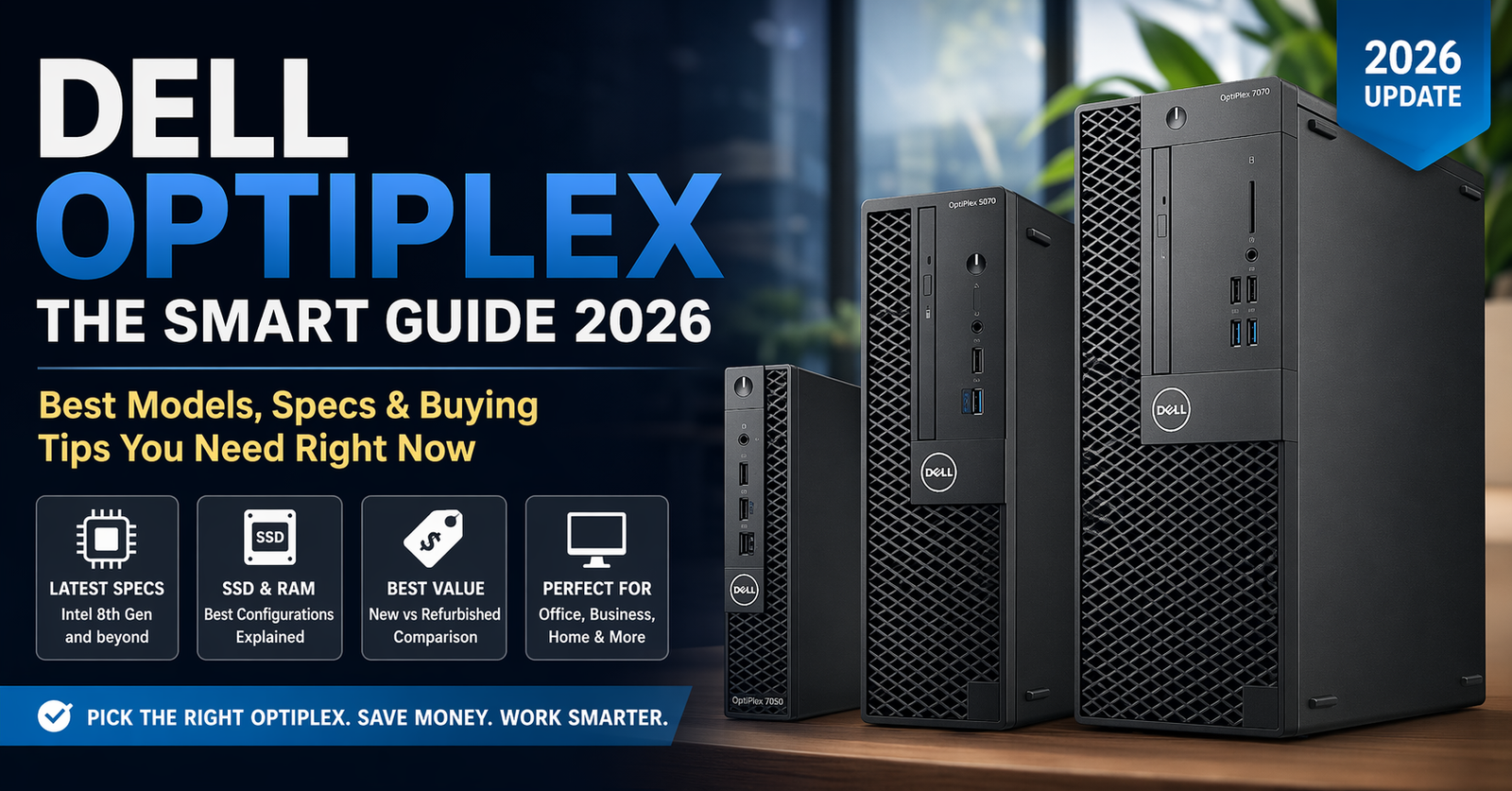
What Is Dell OptiPlex (And Why Everyone Still Buys It)
If you’ve been searching for a reliable desktop that just works, chances are you’ve come across the Dell OptiPlex.
Here’s the simple truth:
OptiPlex isn’t flashy—but it’s built to last.
Originally designed for offices, these machines have quietly become:
- A favorite for budget setups
- A go-to for freelancers
- A goldmine in the refurbished PC market
In 2026, with rising hardware costs, OptiPlex systems are more relevant than ever.
In this guide, you’ll learn:
- Which models are worth buying
- Micro vs SFF vs Tower (real difference)
- Best OptiPlex for your use case
- Whether refurbished is a smart move
Understanding OptiPlex Models (Without Confusion)
Dell names can feel messy, but here’s the pattern:
Model Series Breakdown
- 3000 Series → Entry-level
- 5000 Series → Balanced performance
- 7000 Series → High-end business power
Form Factors
| Type | Best For | Key Benefit |
|---|---|---|
| Micro | Small desks | Ultra compact |
| SFF (Small Form Factor) | Offices | Balanced size + power |
| Tower | Power users | Upgrade flexibility |
Example: OptiPlex 7050 SFF = mid/high tier + compact build
Specs That Actually Matter
Most people get stuck here. Don’t.
Focus on these:
1. Processor (CPU)
- Intel i5 → Best value
- i7 → Heavy multitasking
- AMD (less common in OptiPlex)
Sweet spot: i5 (8th gen or newer)
2. Storage
- SSD = fast (must-have)
- HDD = slow (avoid if possible)
Minimum: 256GB SSD
3. RAM
- 8GB → basic work
- 16GB → smooth performance
4. OS
Most systems run Windows
Windows 11 support requires newer CPUs (important when buying old models)
Best OptiPlex Models (2026 Picks)
🔹 Best Budget
- OptiPlex 3050 / 3060
- Good for: basic office, browsing
🔹 Best Value
- OptiPlex 5070
- i5 + SSD combo = perfect balance
🔹 Best Performance
- OptiPlex 7070 / 7090
- Handles multitasking, light editing
Refurbished OptiPlex: Smart or Risky?
Let’s be honest—this is where most buyers are.
Why People Buy Refurbished
- 50–70% cheaper
- Same business-grade durability
- Easy to upgrade
Risks
- Older CPU (no Windows 11)
- Unknown usage history
Pro tip:
Always choose:
- i5 8th gen+
- SSD already installed
- Trusted seller
OptiPlex vs Regular Desktop PCs
| Feature | OptiPlex | Custom PC |
|---|---|---|
| Price | Low | High |
| Reliability | Very high | Depends |
| Upgradeability | Limited (Micro/SFF) | High |
| Performance | Moderate | High |
OptiPlex wins for stability + price, not gaming power.
Myth vs Fact
Myth: OptiPlex is outdated
Fact: Many models still outperform new budget PCs
Myth: Not upgradeable
Fact: SFF & Tower models are upgrade-friendly
Myth: Only for offices
Fact: Great for freelancers, students, and resellers
Real-World Insight
From hands-on experience working with multiple OptiPlex systems:
The biggest mistake people make is buying too old (6th gen or below) just to save money.
It ends up costing more when performance drops or OS support fails.
In 2025 testing:
- SSD upgrade alone improved speed by 3–5x
- RAM upgrade (8GB → 16GB) removed almost all lag
Translation: Specs matter more than model name
FAQ (People Also Ask Optimization)
1. Which Dell OptiPlex is best?
OptiPlex 5070 or 7070 offers the best balance of performance and price. Choose i5 or i7 with SSD for smooth daily use.
2. Is OptiPlex good for gaming?
Not really. It handles light games, but lacks GPU power. Tower models can be upgraded slightly.
3. Is a refurbished OptiPlex worth it?
Yes—if you choose newer generations (8th gen+), SSD storage, and a reliable seller.
4. What is the lifespan of an OptiPlex?
Typically 5–8 years. These machines are built for business durability.
5. OptiPlex Micro vs SFF — which is better?
- Micro → saves space
- SFF → better upgrades
SFF is usually the smarter long-term choice.
Final Take
The Dell OptiPlex isn’t about hype—it’s about reliability, value, and smart buying.
If you:
- Want a stable work PC
- Are on a budget
- Or plan to resell systems
OptiPlex is one of the safest bets in 2026.
What Should You Do Next?
- Shortlist 2–3 models (5070, 7070 recommended)
- Check CPU generation (don’t go too old)
- Prioritize SSD + 16GB RAM

Emily Carter is a tech enthusiast who writes about PC cooling, hardware performance, and system optimization. She enjoys simplifying complex topics and helping readers make better tech decisions.